VeVe 101: Show Your Collection
Display your VeVe collection, Your Way
Did you know that you can personalize the way your collection is viewed? In fact, you can even put them on display so you can show them off!
View Your Collection
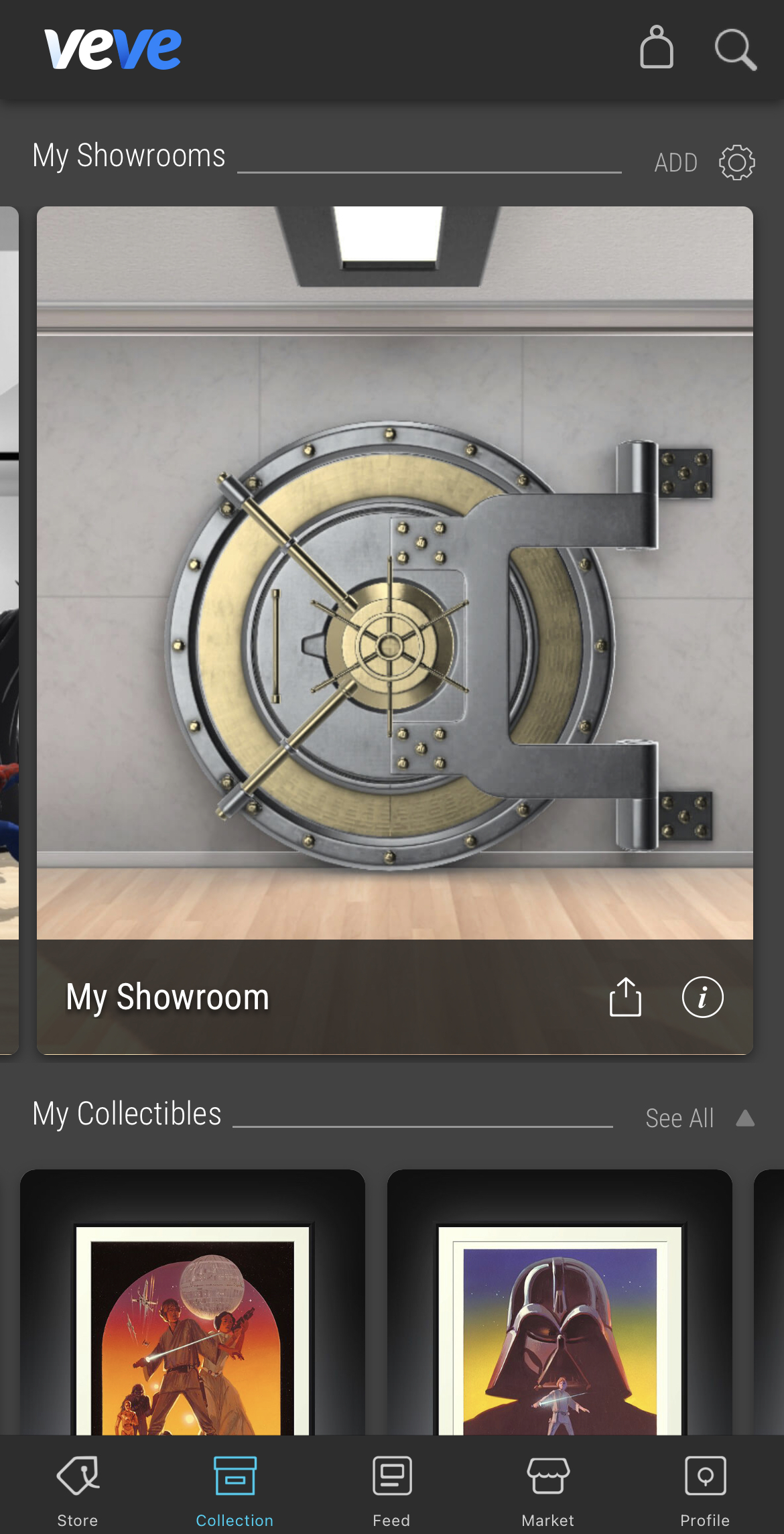
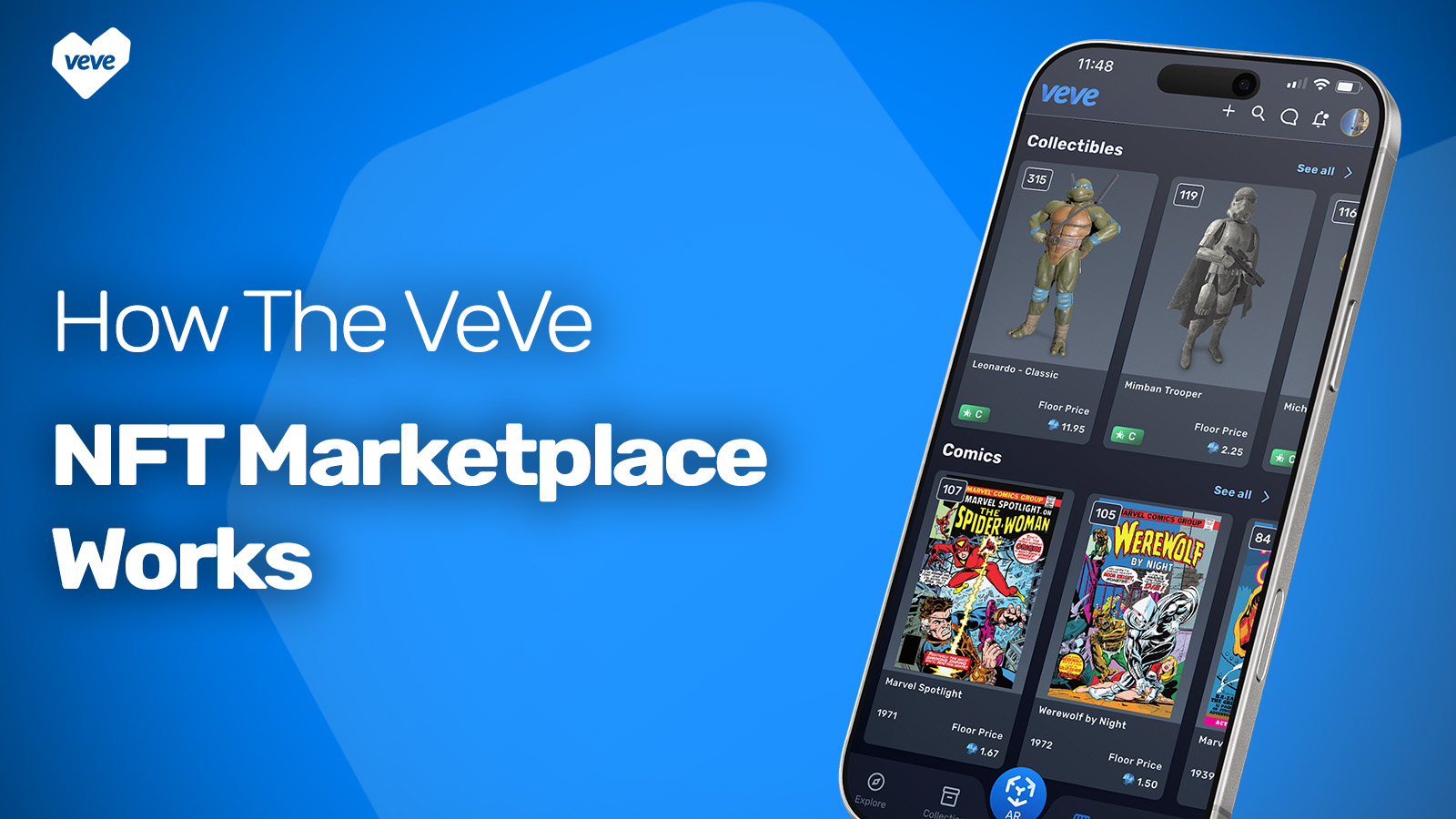
The ‘Collection’ section in the VeVe app is where you can view the collectibles you own. Here, you can select collectibles to place in Virtual Showrooms.
Your collection will automatically be sorted in the order of the most recent purchase. If you do not see all your collectibles, simply click ‘See All.” Pro Tip: Click the ( i ) icon to view the details of a collectible.
Create a Masterpiece
Virtual Showrooms
VeVe’s Virtual Showrooms allow you to place and showcase your collectibles in a virtual gallery setting, just like you would in your home. You can scale, move, and rotate your collectible to create the perfect setting.
How Do I Create a Showroom?
You will find your Virtual Showrooms located at the top of the Collection section in the VeVe app. You will have one Virtual Showroom by default, but you can choose to create as many as you like to showcase everything you collect.